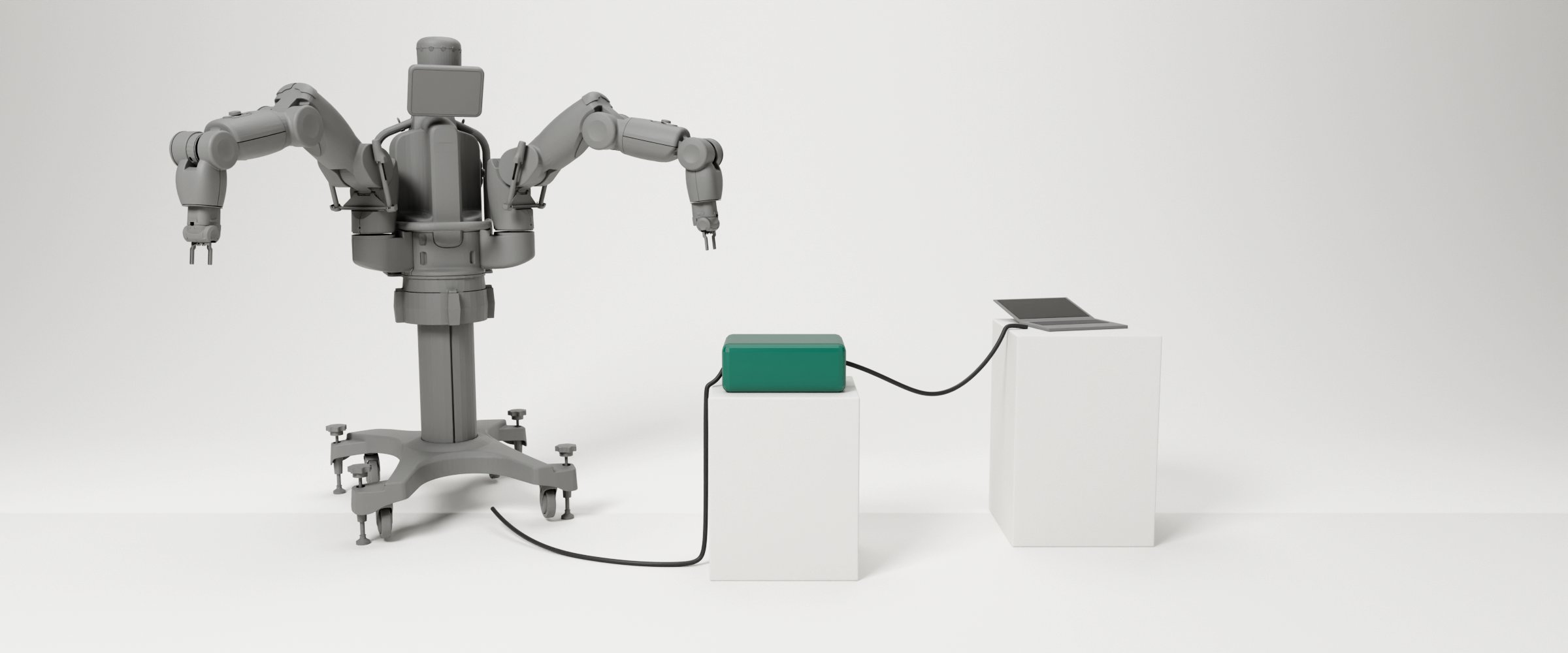
 Render with the Baxter model © Rethink Robotics · BSD-3-Clause © Rethink Robotics
Project · Active since Oct 2026
Baxter ROS 2 bridge
Programming our Baxters from ROS 2 and current Python, without changing the robots' own software.
Overview
Baxter’s software can’t be updated, because the company that made it no longer exists. The robot speaks ROS 1 Indigo, a version from 2014, and ROS 1 itself reached its end of life in 2025. Today’s robotics tools and courses use ROS 2.
This project puts a bridge in between. It talks ROS 1 to the robot and ROS 2 to your programs, so you can write current Python on any ROS 2 computer and nothing on the robot changes.
What is in it
- The bridge. It runs in Docker on a Linux computer, or in WSL on Windows, and comes as a ready-made image. It carries the topics and services the library needs, all the time.
baxter_interface. A Python library with the same classes as Rethink’s original one, such asLimb,HeadandGripper, plus simpler additions. These include moving a hand by a few centimetres, running several moves at once, and classes for the sensors.- Command-line tools. Enabling the robot, tucking the arms, cameras, the screen, calibration, and a robot check that tests everything step by step.
- MoveIt 2. Motions planned around the robot itself and around obstacles, using the values of Rethink’s original configuration.
- Several robots at once. Each robot gets a name, and one program can use both of our Baxters.
- The Mobility Base. A bridge of its own, and a
MobilityBaseclass to read its state and drive it. - Setup scripts. One sets a computer up once, one writes a robot’s settings at the start of a session, and one sets up a terminal. Programs use an installed ROS 2 (Jazzy or Lyrical), or a ready-made container on a computer without one.
Where it stands
Version 1.0.0 came out on 4 November 2026 (release notes). It has been used with robot 1, both from a Windows laptop and from the university’s lab machines with their own ROS 2 Lyrical. From the laptop, the full robot check passed: 56 out of 56. On the lab machines, the examples, RViz and MoveIt ran on the robot. The Mobility Base has driven under program control.
Robot 2 passed the robot check in October with an earlier version, but version 1.0.0 hasn’t been tried on it yet. Two real robots at the same time haven’t been tried either. MoveIt works on the real robot so far only at a tenth of full speed.
The tutorials below walk you through setting it up on a lab machine and writing a first program. The detailed guides for every part of the robot are in the repository.
Build log
- Version 1.0.0 The first public release: ready-made images, three setup scripts, and the lab machines as the main way in.
- From one robot to everything Both robots in one program, the second robot and its Mobility Base, MoveIt, and finally the university's own lab machines.
- On the real robot Three days with robot 1: what broke under the robot's real load, why the bridge moved to WSL2, and the first full check.
- Why we built a bridge Why the robots needed a new setup, why a bridge to ROS 2, and the first week of building it.
Tutorials
Getting started with Baxter · 2 parts
- Part 1Beginner About an hour Baxter on a lab machine From a fresh WSL image on one of the university's lab machines to a moving Baxter, and how to end a session.
- Part 2Beginner About 45 minutes Your first Baxter program Read the robot, enable it, and write a short Python program that moves an arm and nods the head.
On their own
- Intermediate About an hour Baxter on your own laptop Run the Baxter bridge on a Windows or Linux laptop, with a network cable straight to the robot.
- Advanced About an hour Drive the Mobility Base Start the base robot 2 stands on, watch its state from ROS 2, and drive it from a Python program.