Tutorials
Learn it in the lab, keep it here
Step-by-step guides from our workshops and projects. Each one lists what you need and how long it takes.
Series · 2 parts
Getting started with Baxter
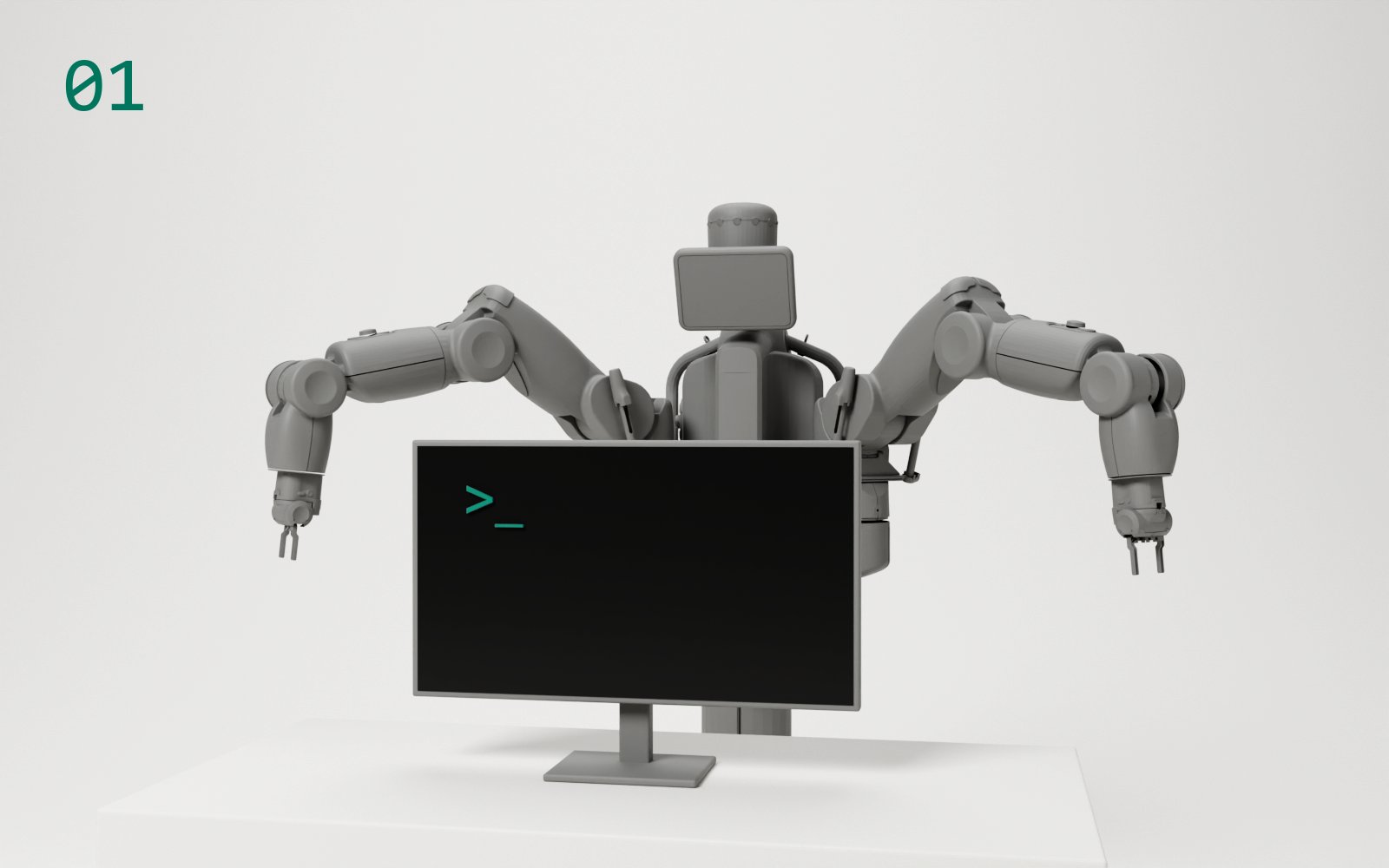 © Rethink Robotics
Part 1
Baxter on a lab machine
From a fresh WSL image on one of the university's lab machines to a moving Baxter, and how to end a session.
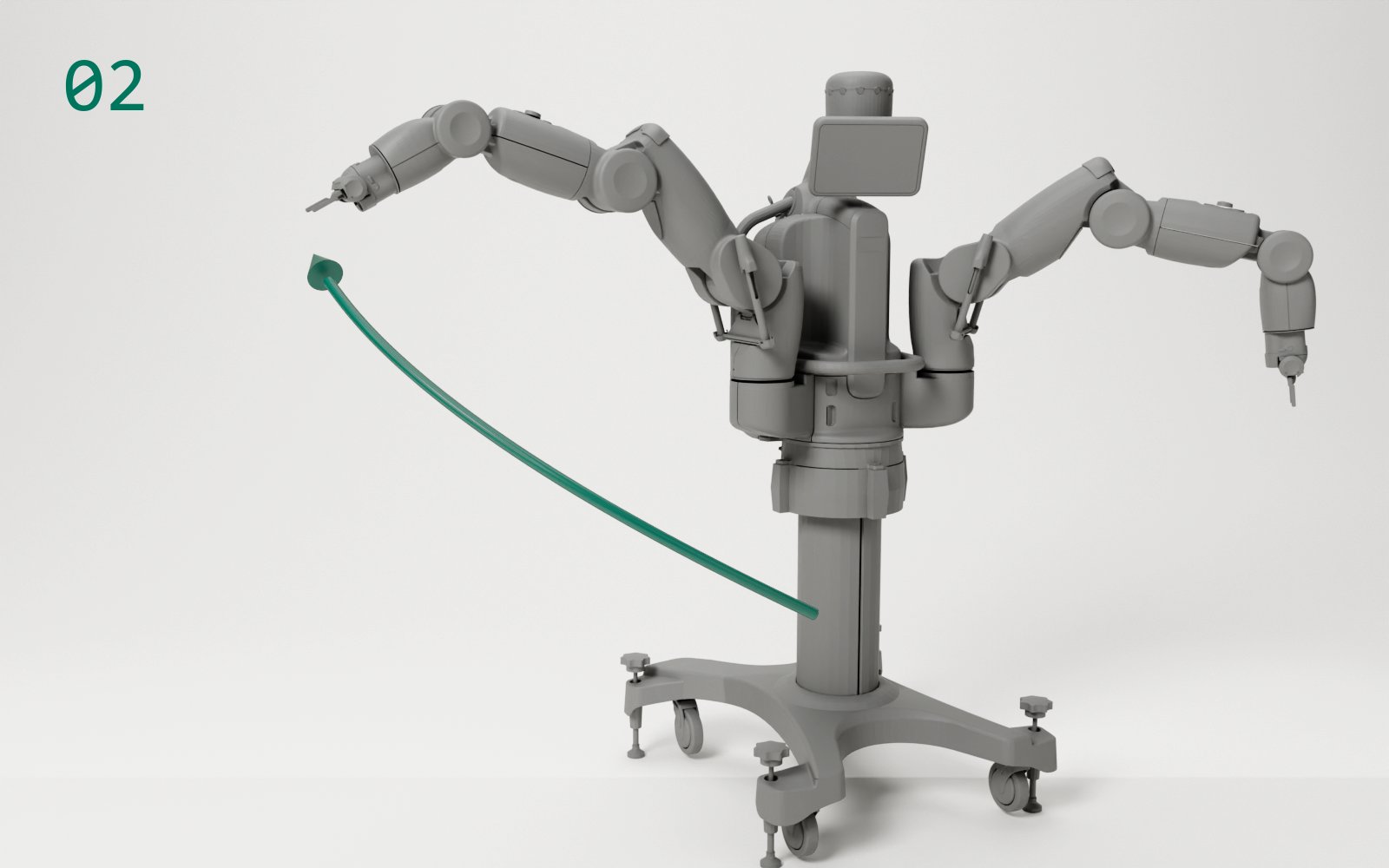 © Rethink Robotics
Part 2
Your first Baxter program
Read the robot, enable it, and write a short Python program that moves an arm and nods the head.
Single tutorials
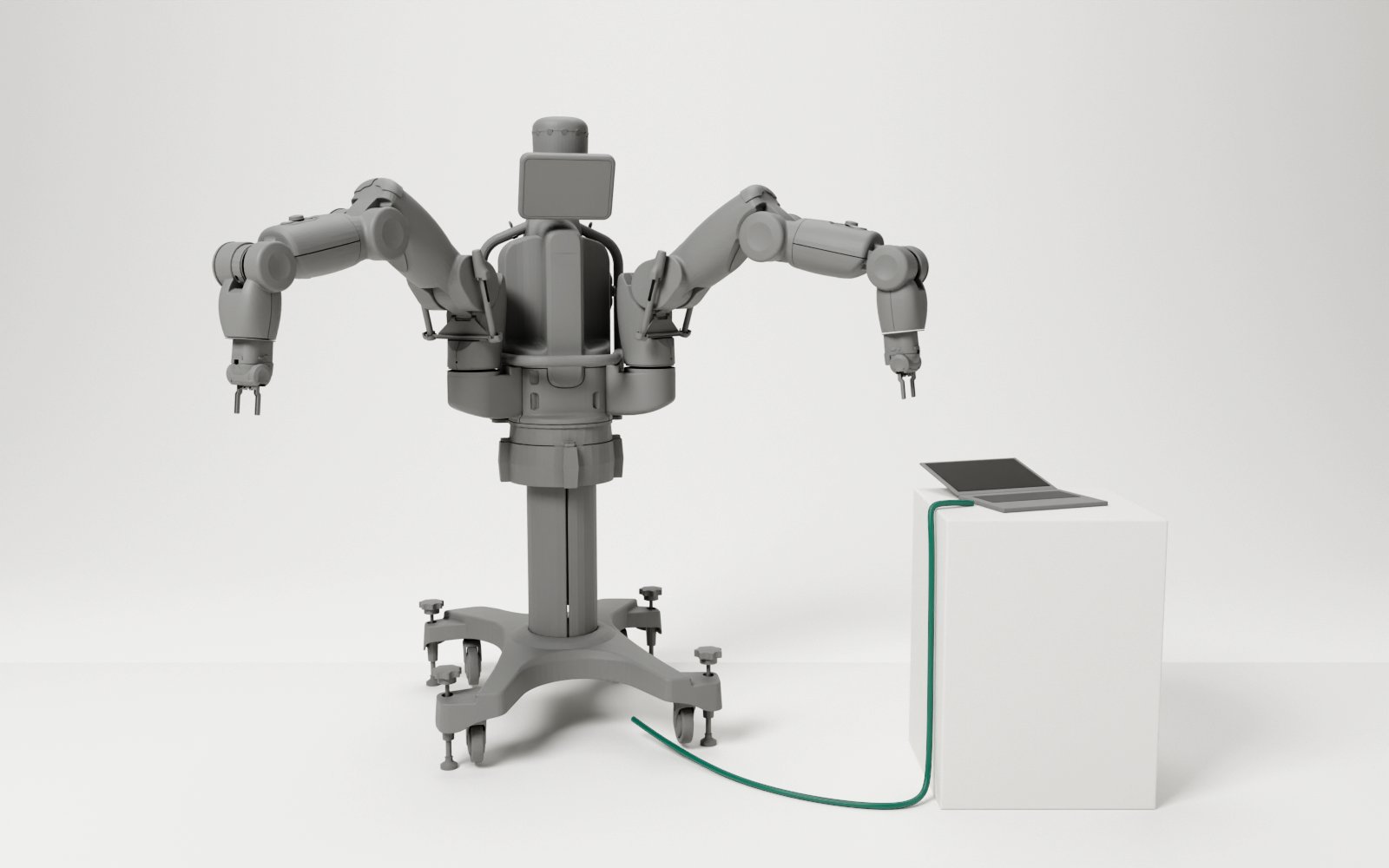 © Rethink Robotics
Baxter
Baxter on your own laptop
Run the Baxter bridge on a Windows or Linux laptop, with a network cable straight to the robot.
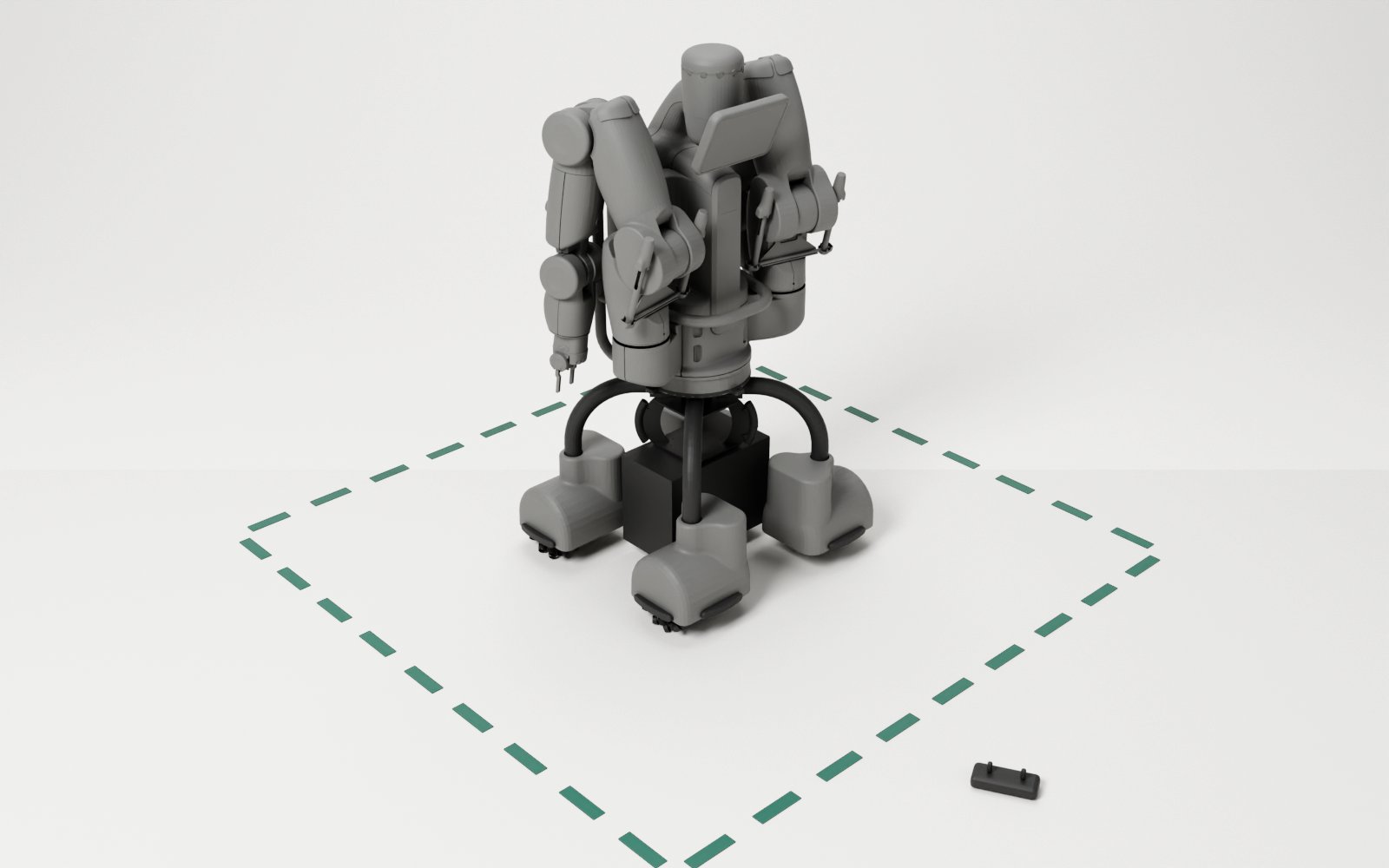 © Rethink Robotics, Dataspeed
Baxter
Drive the Mobility Base
Start the base robot 2 stands on, watch its state from ROS 2, and drive it from a Python program.
KiCad
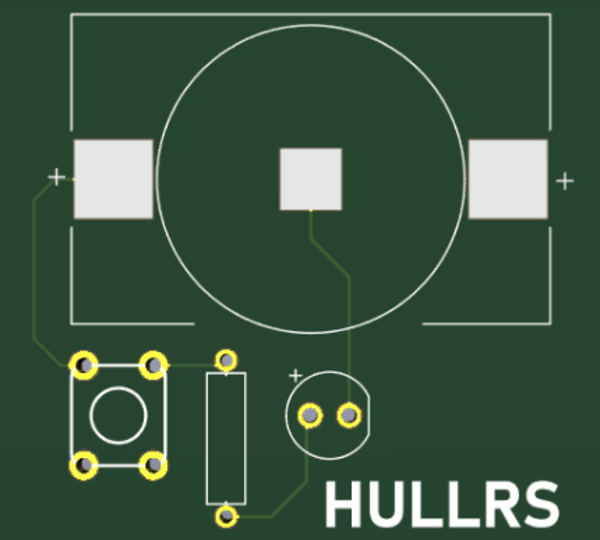
Design a light-up PCB keychain
Simulate an LED circuit in TinkerCAD, move it into KiCad and route a board you can send off for manufacturing.
Write one
Ran a workshop? Turn it into a tutorial.
Add one Markdown file to src/content/tutorials/. It shows up here without touching any other page. The README explains the fields.
No tutorials match. Try another level or project.