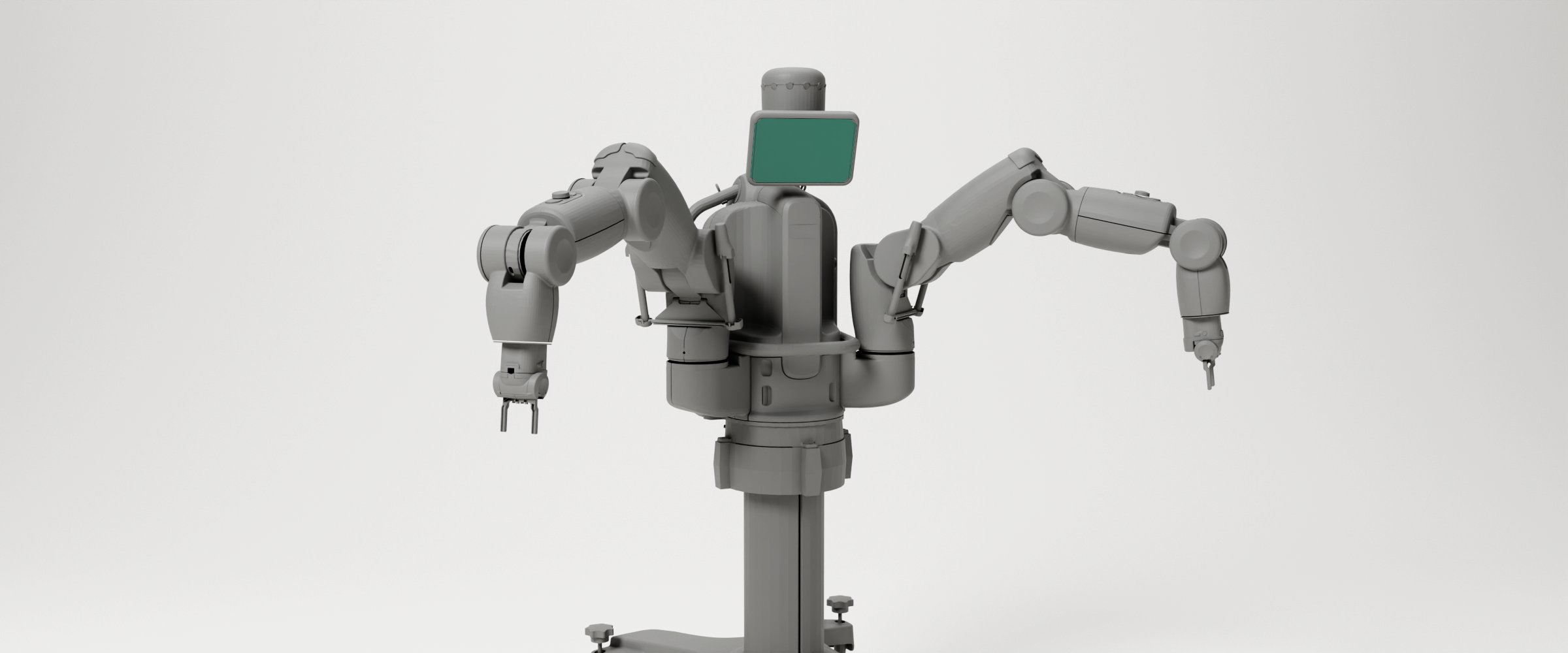
 Render with the Baxter model © Rethink Robotics · BSD-3-Clause © Rethink Robotics
Project · Active since Jan 2026
Baxter
A Rethink Robotics dual-arm cobot that we brought back into service, filmed a music video with, and taught to dance with Pepper.
Overview
Baxter is a two-armed collaborative robot, or “cobot”, made by Rethink Robotics. It came out in 2012 as an industrial robot that could work next to people without a safety cage, and it became a popular robot for research and teaching. Rethink Robotics closed in 2018, so Baxter’s software has not been updated since then. Our robots run the last version, 1.2.0.
The society has two Baxters in the Robotics Lab. One of them stands on a Mobility Base, a wheeled platform that can carry it around the room.
The robot
- Arms. Two arms with seven joints each: two in the shoulder, two in the elbow and three in the wrist. Each joint is driven through a spring (a series elastic actuator), so the robot can feel the force on every joint. That makes Baxter much gentler to bump into than a classic industrial arm.
- Cuffs. Hold the ring just behind a hand and the arm goes limp, so you can guide it by hand. This is the easiest way to show the robot a position.
- Hands. Each arm takes a two-finger electric gripper or a suction cup.
- Head. The face is a 1024 × 600 screen that can show any picture. The head turns left and right and can nod.
- Cameras. There is one in the head and one in each hand. Only two of the three can be switched on at the same time.
- Sensors. Twelve ultrasound sensors in a ring around the head notice people and objects nearby. Each hand also has an infrared distance sensor (4 to 40 cm) and an accelerometer.
- Buttons and lights. Four navigators (a scroll wheel with three buttons) sit on the arms and the torso. There are more buttons on the cuffs and lights around the head.
- Computer. A computer inside the robot runs all of this. It speaks ROS 1, the Robot Operating System.
How you program it
Everything Baxter can do is offered as ROS 1 topics and services: streams of joint angles and sensor readings come out, and commands go in. You send those from a computer connected to the robot.
The original tools for this need a ROS 1 computer of the same age as the robot. We use the Baxter ROS 2 bridge instead. It lets you program both robots from current ROS 2 and Python, with a library called baxter_interface:
from baxter_interface import Limb, RobotEnable

RobotEnable().enable()
left = Limb('left')
left.move_to_neutral()
left.move_by(z=0.10)        # the hand 10 cm up
The tutorials below start from the very beginning.
Our two Baxters
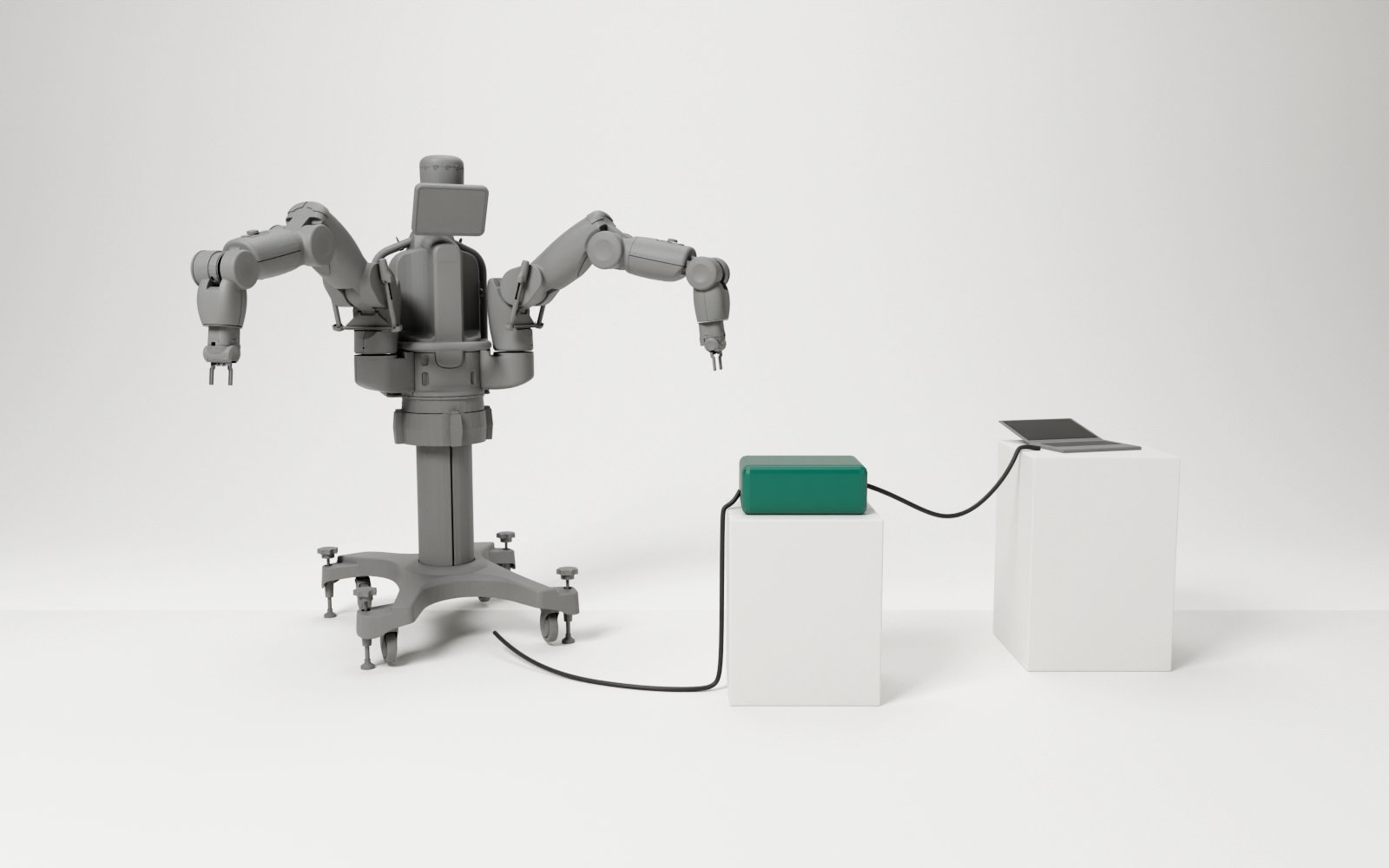
Both robots have the same software, so a program written for one runs on the other. Each robot is a separate system on the network, and they never talk to each other directly. The bridge brings them together, so one program can control both. The robot on the Mobility Base can also drive around under program control.
How they are set up and connected is under Documentation.
What we have done with it
- A music video. Baxter’s first outing with the society, in January 2026.
- Baxter × Pepper dance. A 30-second routine for two very different robots.
- Baxter ROS 2 bridge. Bringing both robots and the Mobility Base to ROS 2.
Safety
Baxter’s arms are strong and can swing wide. Whenever the robot is enabled, someone stands at the e-stop (the big red button) and nobody is within reach of the arms. Before the Mobility Base drives, someone holds its joystick and the floor around it is clear. Try new programs slowly first.
Build log
- Version 1.0.0 The first public release: ready-made images, three setup scripts, and the lab machines as the main way in.
- From one robot to everything Both robots in one program, the second robot and its Mobility Base, MoveIt, and finally the university's own lab machines.
- On the real robot Three days with robot 1: what broke under the robot's real load, why the bridge moved to WSL2, and the first full check.
- Why we built a bridge Why the robots needed a new setup, why a bridge to ROS 2, and the first week of building it.
- Baxter before the bridge How we programmed Baxter in its first months with the society: one ROS 1 workstation and Rethink's original SDK.
Tutorials
Getting started with Baxter · 2 parts
- Part 1Beginner About an hour Baxter on a lab machine From a fresh WSL image on one of the university's lab machines to a moving Baxter, and how to end a session.
- Part 2Beginner About 45 minutes Your first Baxter program Read the robot, enable it, and write a short Python program that moves an arm and nods the head.
On their own
- Intermediate About an hour Baxter on your own laptop Run the Baxter bridge on a Windows or Linux laptop, with a network cable straight to the robot.
- Advanced About an hour Drive the Mobility Base Start the base robot 2 stands on, watch its state from ROS 2, and drive it from a Python program.
Documentation
- Good to know Quirks of our Baxters that cost us time to find out.
- The Mobility Base The wheeled platform robot 2 stands on: how it is built, its limits, and what we know about ours.
- Baxter's topics and services What the robot offers in ROS 1, what the bridge carries to ROS 2, and under which names.
- Our two Baxters and how they connect The two robots, the Mobility Base, and how they all reach one ROS 2 program.
 © Rethink Robotics